Adventures in nature
Create unforgettable memories
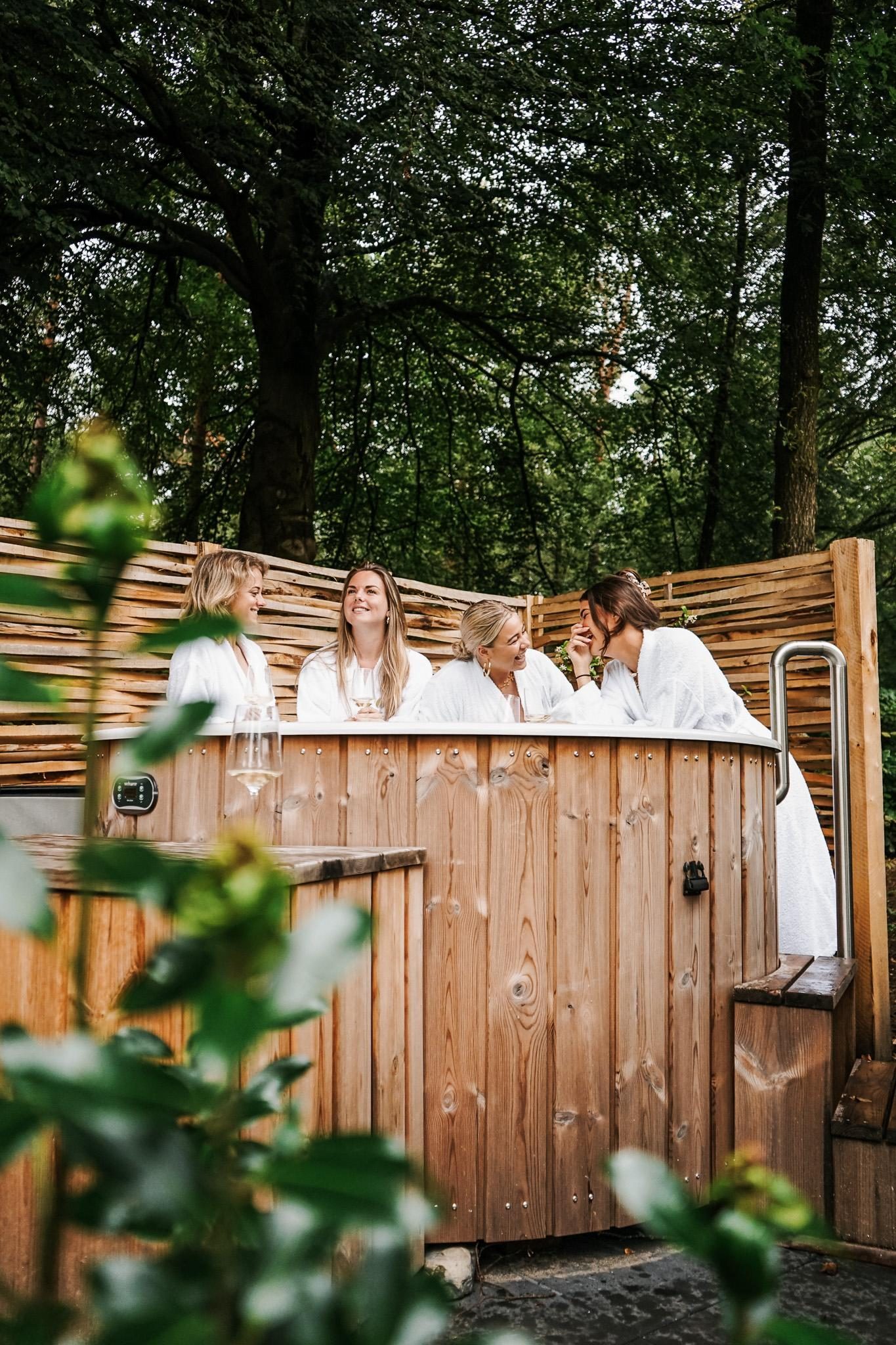
Quality time in nature
Family fun on Thijmse Berg
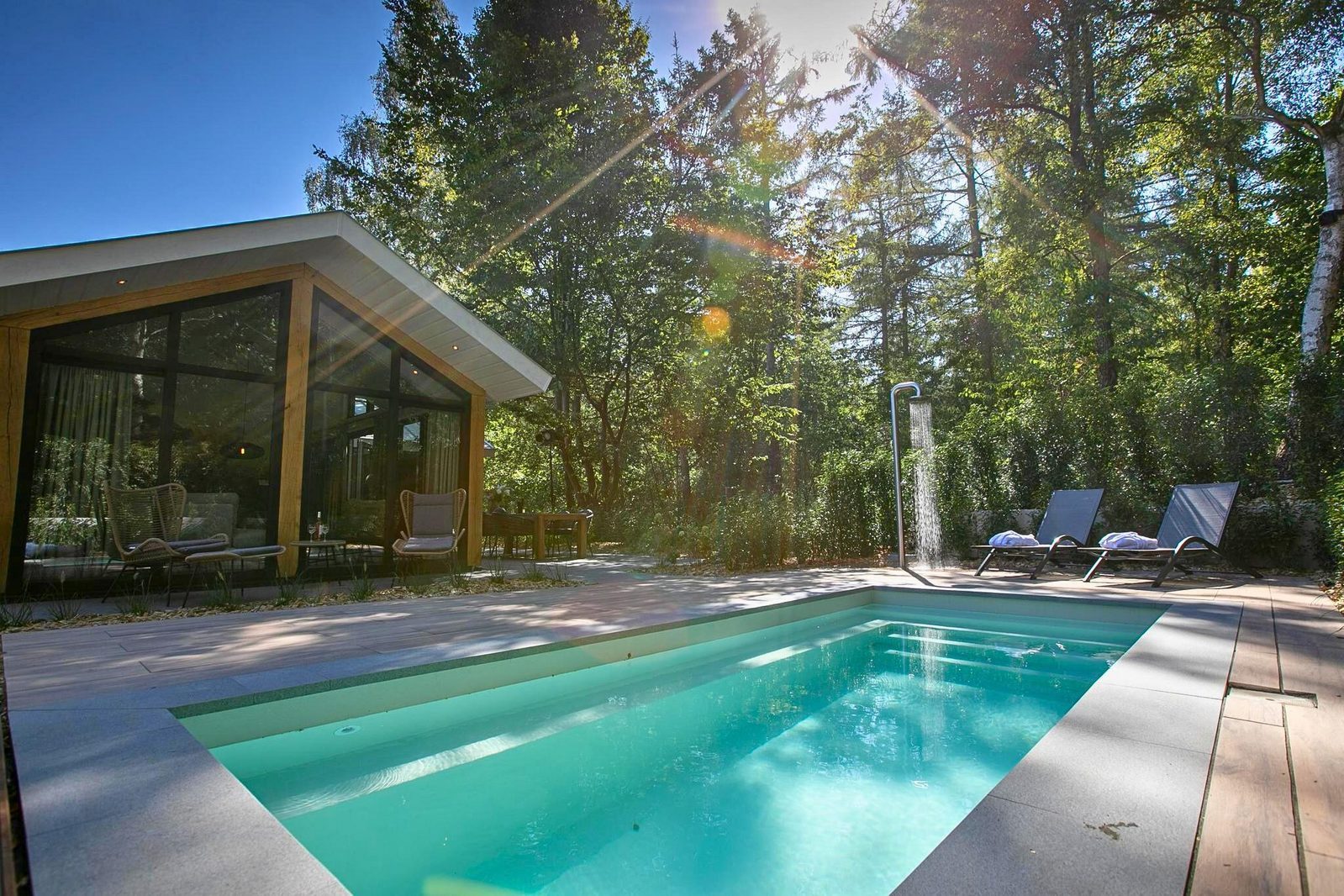
Enjoying nature
Thijmse Berg as the Perfect Sanctuary
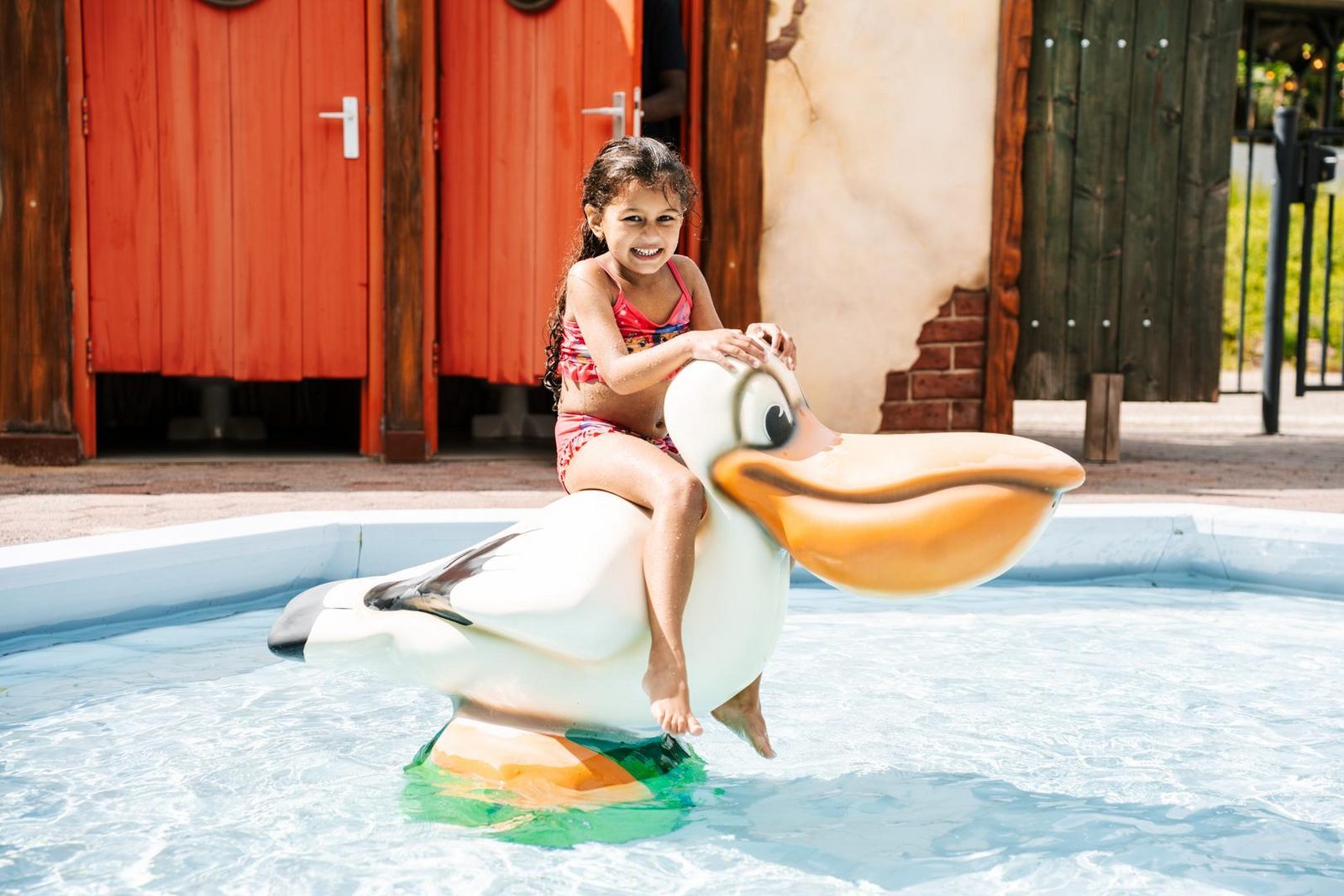
Quality time in nature
Family fun on Thijmse Berg
Thijmse Berg App
Thijmse Berg App; everything you need at your fingertips! 📱
Click here for the step-by-step guide to using the digital key 🔑
Step 1 – Download the Thijmse Berg App
Download the free Thijmse Berg App from the App Store or Google Play
Step 2 – Link your reservation
- Open the app and click ‘Mijn Thijmse Berg openen’.
- Enter the email address you used to make your reservation.
- Click ‘Stuur bevestigingsmail’.
- Open the email you receive. Didn't receive an email? Please also check your spam folder.
- Click the link in the email to link your reservation.
- Go back to the Thijmse Berg App and click ‘Controleer bevestiging’.
Your reservation is now linked to the app. 🎉
🔓 Opening your accommodation
Are you standing at your accommodation? First, make sure that:
- Bluetooth is switched on.
- Location services are switched on.
- You are within approximately 2 metres of the door.
- The ‘Mijn digitale sleutel’ button will appear on the app's home screen.
- Click ‘Mijn digitale sleutel’.
- Then click on your accommodation number.
- The door knob will turn green.
As soon as the door knob turns green, turn the knob immediately to open the door.
⚠️ Important: Do not wait until the green signal disappears. You need to turn the knob while it is green. The door will not open automatically.
In short: click → green → turn immediately → open! 🔑
iPhone: is the door knob not turning green?
Check whether the Thijmse Berg App has permission to use Bluetooth:
- Go to Settings on your iPhone.
- Scroll down and tap ‘Apps’.
- Find and tap ‘Thijmse Berg’.
- Check that Bluetooth is switched on.
- Try using the digital key again.
Is the door knob showing several different colours? The lock is probably out of battery. Please contact reception.
🔒 Locking your accommodation
You also use the digital key to lock your accommodation.
- Close the door properly.
- Check whether you can lift the door handle upwards. If you can, lift it upwards. If the handle cannot be lifted, you do not need to do this.
- Open ‘Mijn digitale sleutel’ in the app.
- Click on your accommodation number.
- The door knob will turn green.
- As soon as the knob turns green, turn it immediately to lock the door.
⚠️ Important: The lock does not lock automatically. You need to turn the knob yourself while it is green.
Having trouble?
Don't worry! The digital key should of course be easy and convenient to use. If you are unable to open or lock your accommodation despite following these steps, please contact reception.
We will be happy to help and look for another solution together.
Team Thijmse Berg
At Thijmse Berg, we believe a holiday should be all about relaxing, enjoying your time together and making wonderful memories. That is why we want to make your stay as easy as possible.
With the Thijmse Berg App, you have everything you need for your stay conveniently at your fingertips. Click here to download the app via the App Store or Google Play.
From practical information about the park and your accommodation to useful facilities and extras that you can use or book during your stay.
The app also makes it easy to arrange various parts of your stay digitally. For example, you can use the digital key and find important information all in one place.
Would you like to book or arrange something during your stay? You can easily do this through the app too. For example, you can book towels, bathrobes, bicycles, a BBQ or gourmet package and other extras to make your stay even more comfortable and enjoyable.
In short: the Thijmse Berg App is your digital travel companion during your stay. Everything you need, right at your fingertips, so you have less to arrange and more time to enjoy your holiday. 🌳
Do you have any questions or need help? Please contact our reception via Whatsapp, by email at info@thijmseberg.nl or by phone on +31 317 612 384.
See how to check in easily
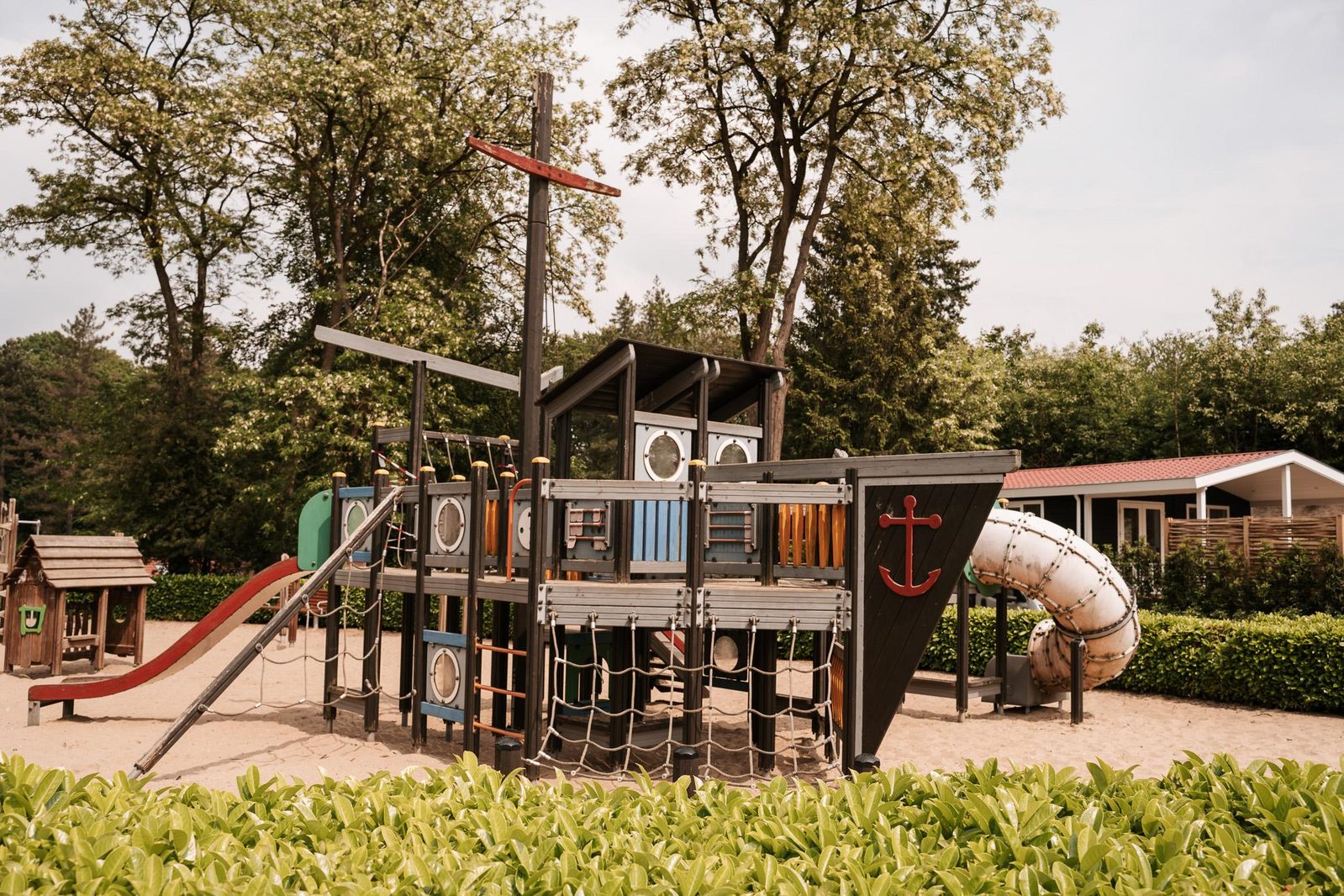
Facilities